
rule engine · the control layer for your team
Your team writes the rules.
The same brain applies them.
Your engine already styles your catalogue. The Rule Engine is not a second system — it is where your team tells that same engine how. Which brands belong together. Which season leads. Which pieces to push, and which to sit out. The rules go in before the looks are built, so the engine builds to them, not around them.
when styling Shirts
- prefer Avenir as a companion brand
- hide off-season pieces
- drop anchors below the store minimum
An input to the same engine — a preference, a gate, a filter. Not a separate product.
One rule, one engine
Watch the look change.
The same product, styled by the same engine, shown twice — once on the engine’s default, once with one rule switched on. The engine did not change. The rule did — and the engine built to it.
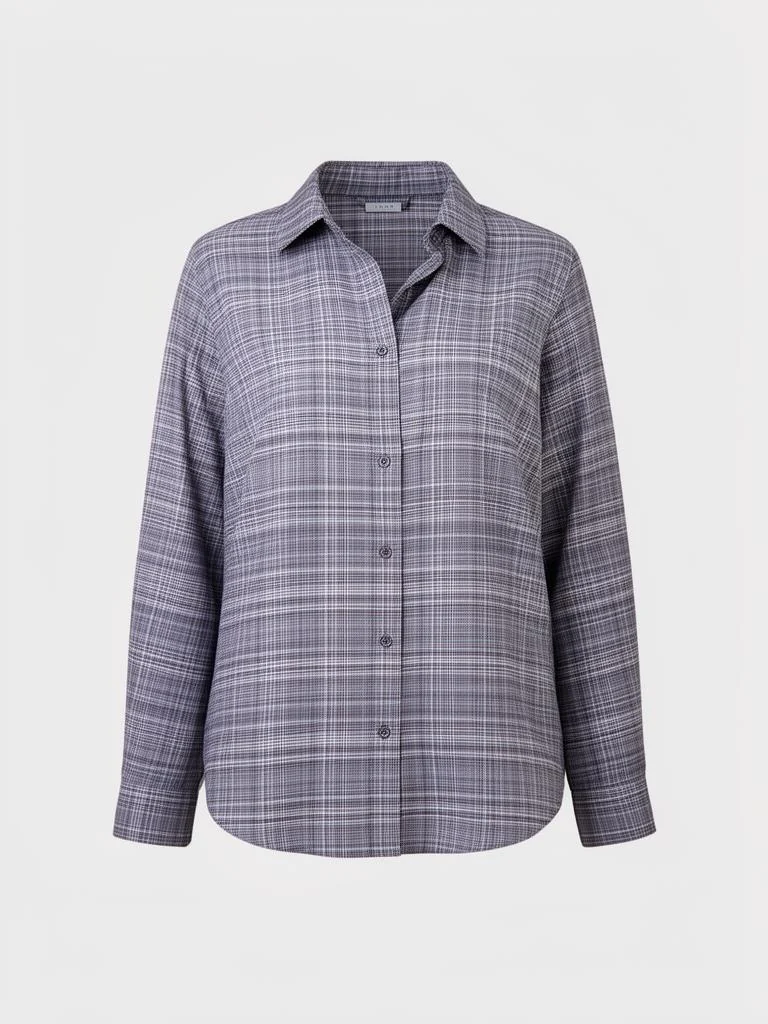
engine default the companions it reaches for
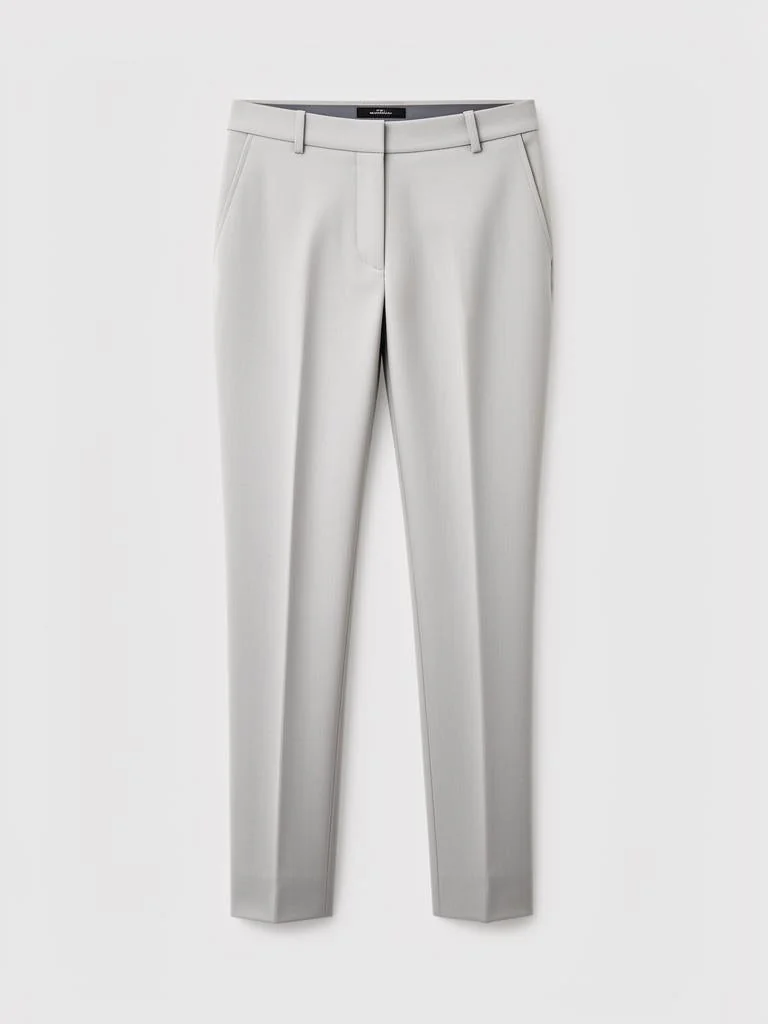
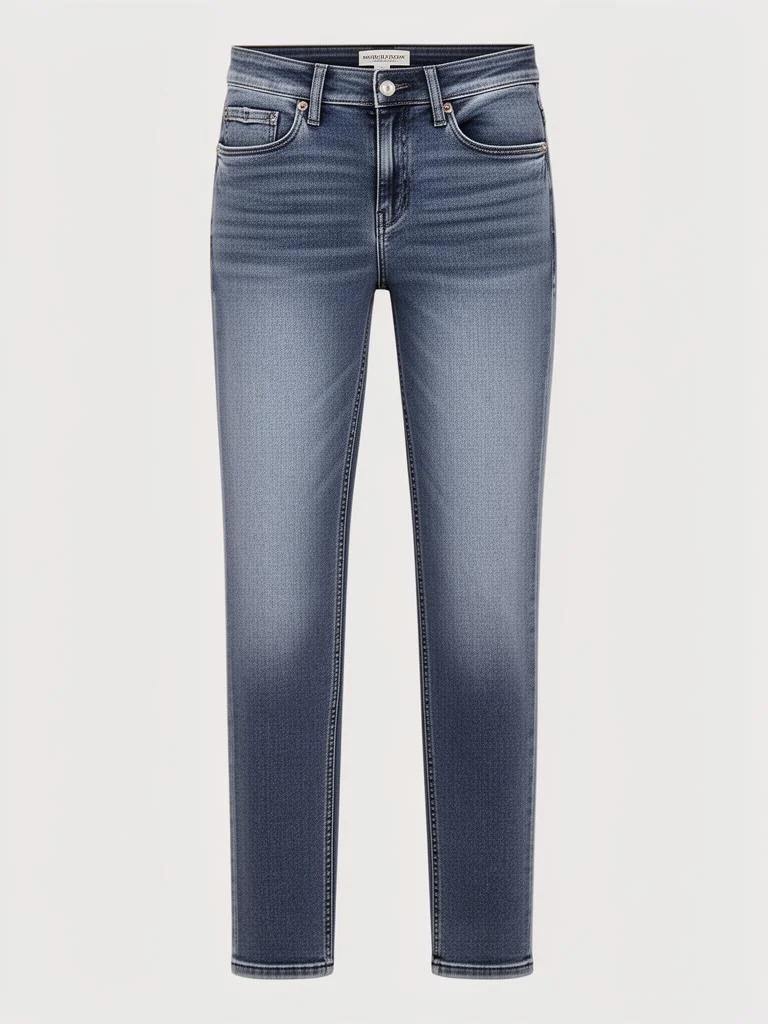
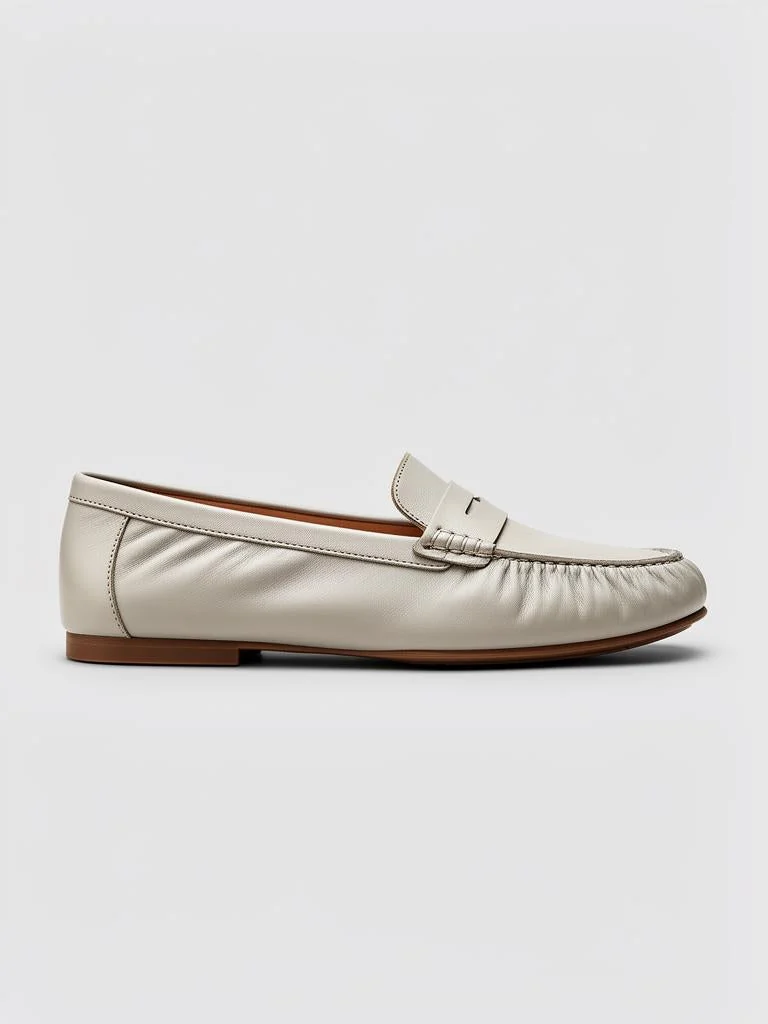
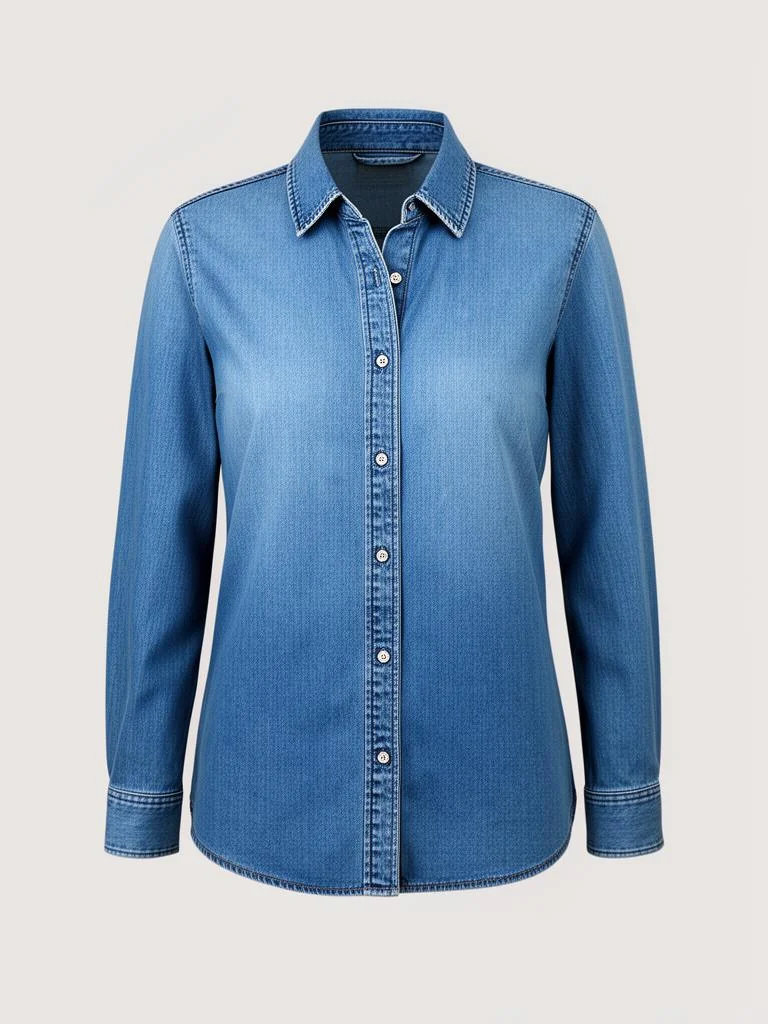
Mixed brands, an off-season piece in the strip, and a near-sold-out anchor still present.
with your rule the same engine, steered
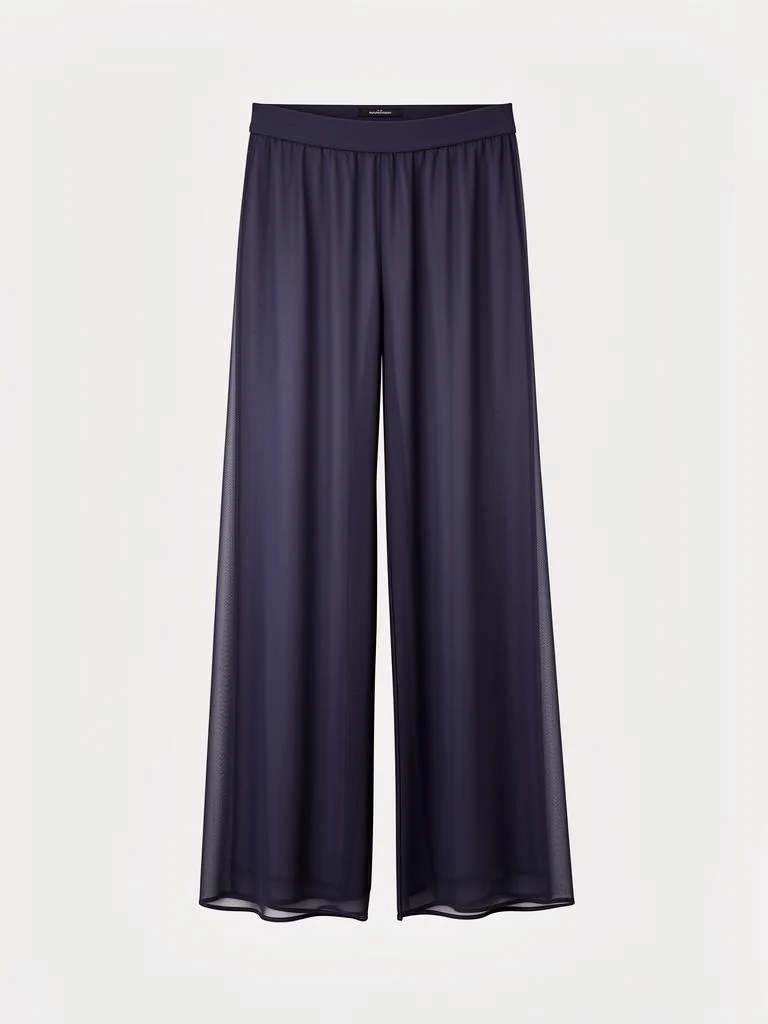
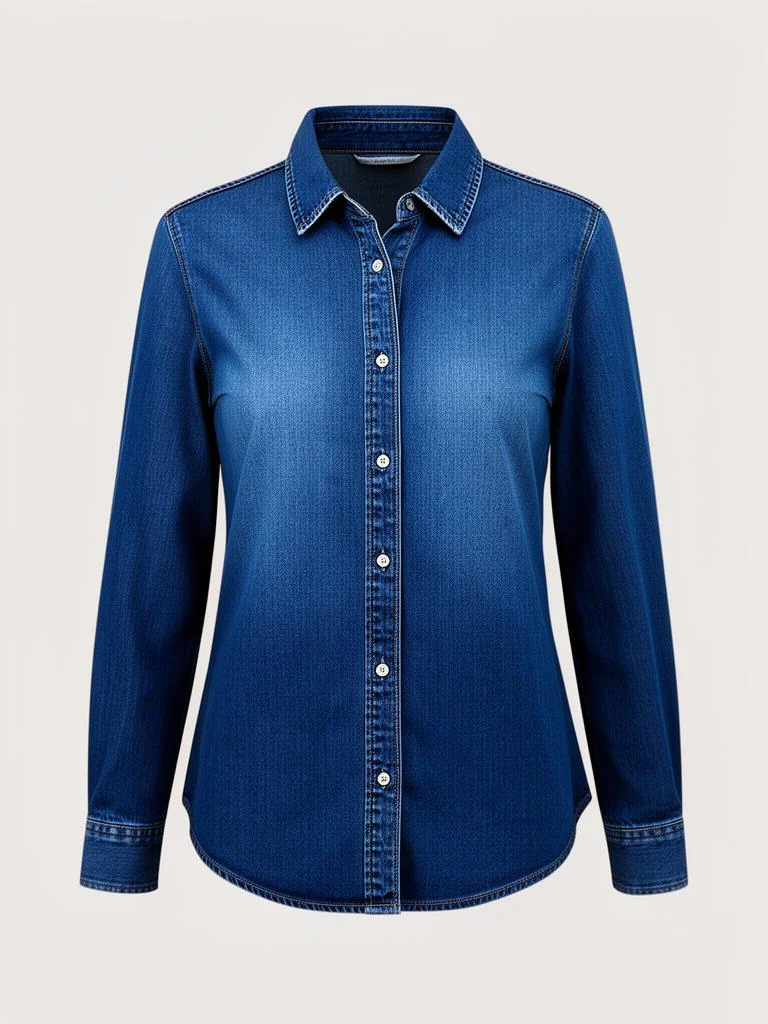
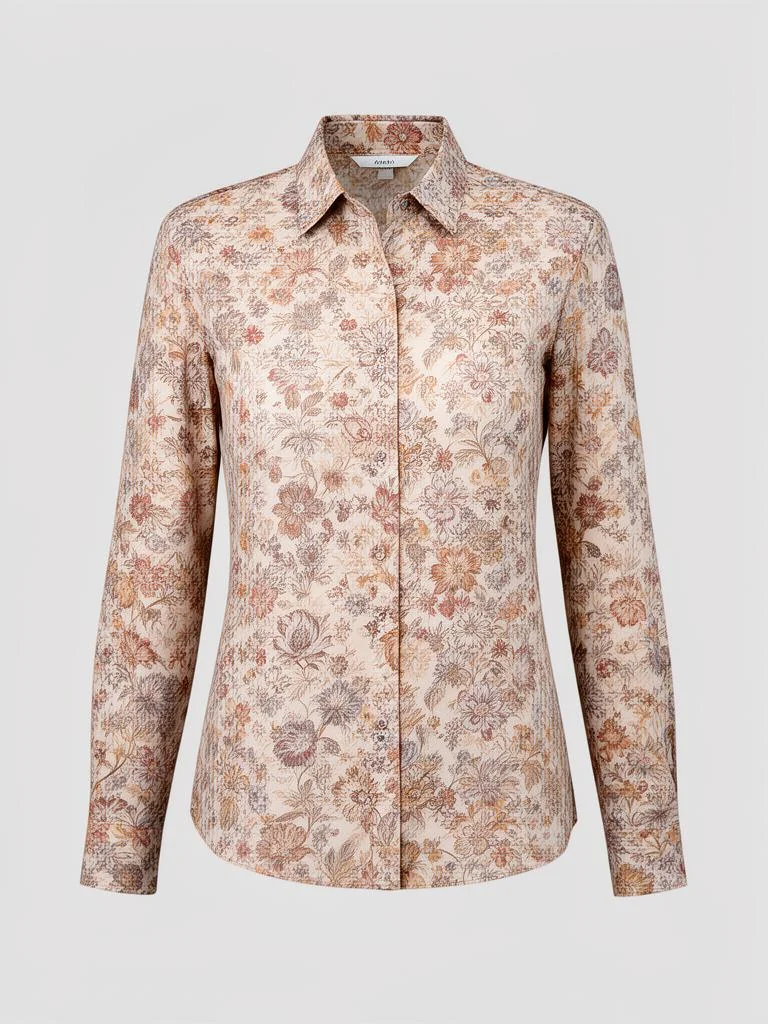
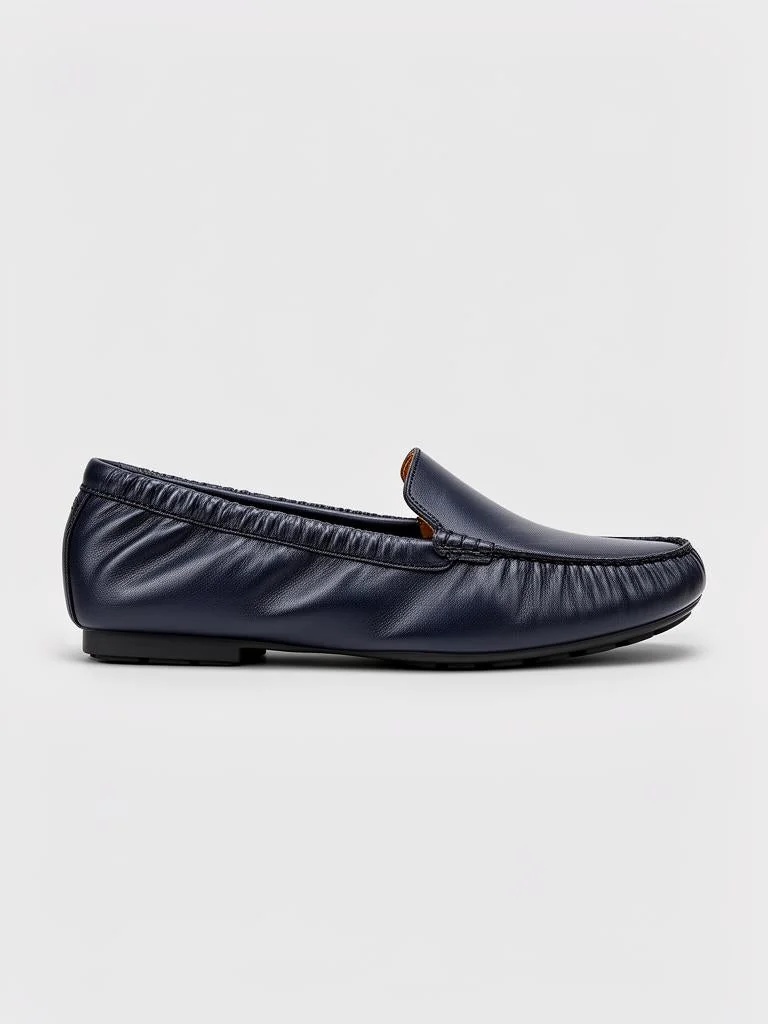
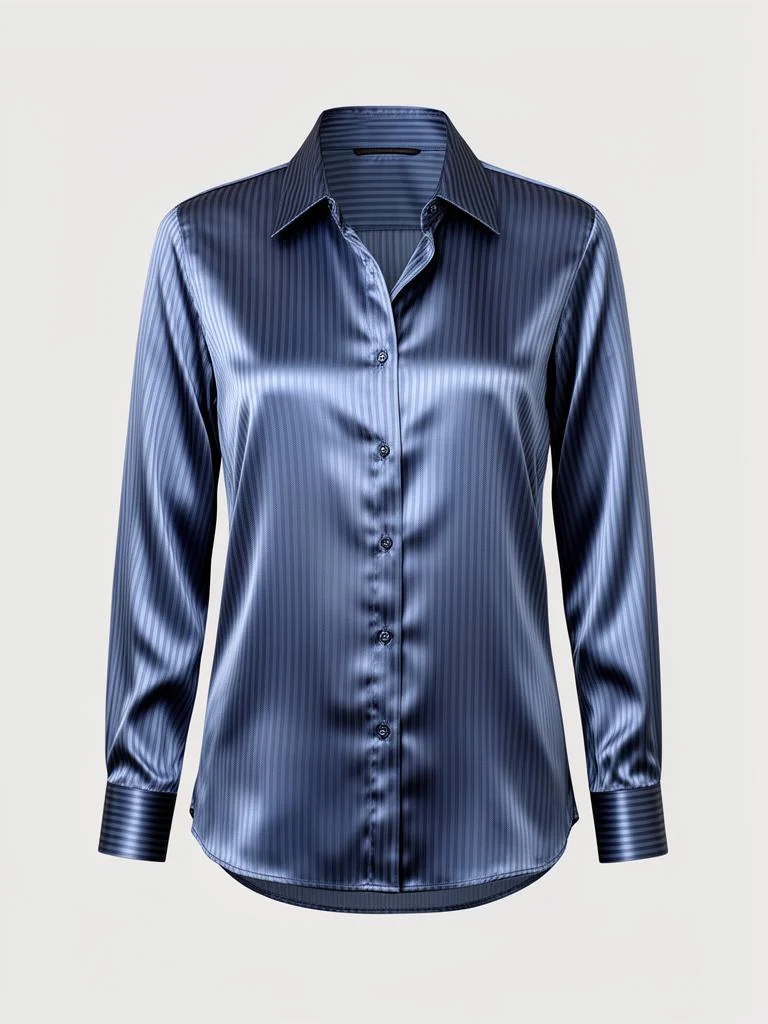
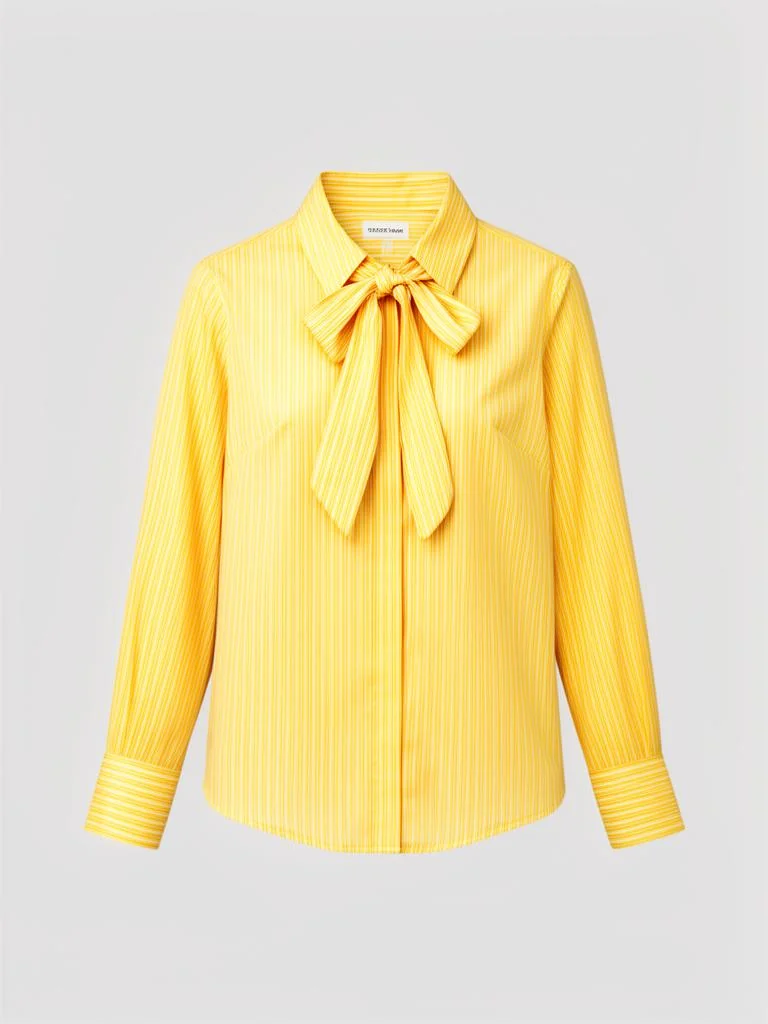
Avenir preferred as the companion, the off-season piece hidden, the low-stock anchor dropped — every piece still from your own catalogue.
Illustration on our own demo catalog. The stock lever is a build-time filter — anchors below a per-store minimum drop out when the looks are rebuilt; it is not a shelf check at the moment of viewing. Packshots are real catalog products.
The control surface
Your merchandiser writes this rule herself —
not a ticket to your engineers.
Every rule on this page is authored in a screen we built and run today. This is that surface, rebuilt for this page: the rule-authoring menu lit down the side, a rule editor open in the main pane — Target on the left, Effect on the right. An illustration, not a screenshot, not a live session.
bunsarthe rule surface, rebuilt real live screens — /outfit/compatibility · /outfit/compatibilitySeason · /admin/productGroups · /admin/rule_lists · /outfit/builder an illustration — not a screenshot, not a session
Live today — every claim below maps to a real screen a person operates now
Targeting
Target by brand, season and product group.
Steer which brands the engine styles together: prefer one as a companion, push another down, or block a pair outright (‘never pair these’). Do the same by season — lead with in-season, hide off-season. Target by merchandising product group — pair group X only with group Y.
- Brand → the Compatibility & Rules editor
- Season → the Season Compatibility editor
- Group → the Product Groups editor (live; rarely authored at this level so far)
Today these are three screens, not one. You can prefer a brand, and you can lead with in-season — but ‘prefer Avenir in summer’ is not yet one rule written in one place. The Rule Engine presents the three together; the engine still reads them separately.
Boost & suppress
Recommend some pieces more — switch others off.
Push chosen pieces to surface more often through preference rules, and flip any single product off with a do-not-recommend switch — a real, first-class per-product field.
- Boosting is rule-driven: a preference multiplier keyed on brand, group, season or attribute, authored in Rule Lists
- Suppression is a crisp per-product control: the do-not-recommend flag (plus discontinued)
There is no per-product boost dial today — ‘recommend more’ is expressed as a preference rule, not a per-product number you drag. The clean per-product control that exists is the off-switch.
Hand-built looks
Hand-build a look. Pin it to a product.
Your merchandisers hand-build outfits in a drag-and-drop Outfit Builder and Mix & Match, and save them as sets the engine serves. Pin a hand-made look to a specific product so that product leads with your chosen combo.
- Drag-and-drop authoring, saved as outfit sets the engine draws from
- Per-product Builder mode pins exact companions to one product
- These editorial looks feed the brand-DNA inspiration lane the engine styles from
Durable per-product pinning is authored-outfit driven — a hand-made look built around the product.
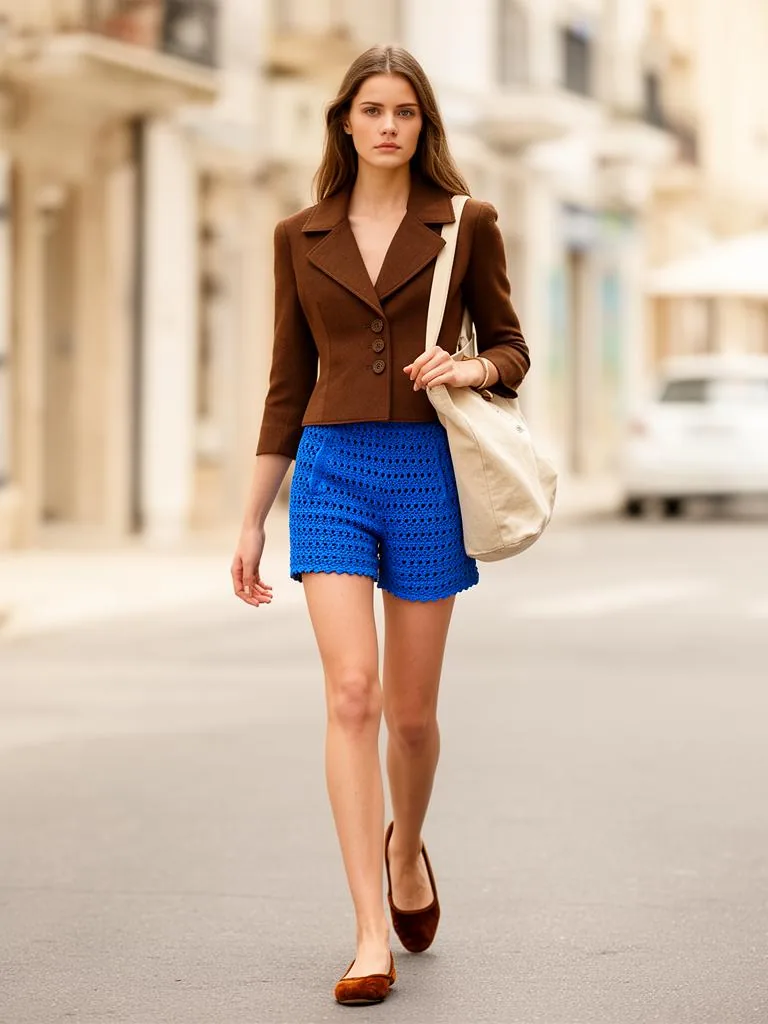 AI image — garments are real catalog products
Combo source
Two lanes of inspiration — brand DNA and social trend.
The engine styles from two real sources — your brand’s own looks, and our social-trend feed. You choose which source each product group draws from; today we set that with your team.
Brand-DNA lane
Your brand’s own shared and editorial looks — authored in the Outfit Builder and the Inspiration Wall. The engine styles from your own house taste.
Social-trend lane
Our non-sponsored micro-influencer feed — via Bloggers and the Trend Map — and this lane can be narrowed to chosen influencers. Real, current, blended into every build.
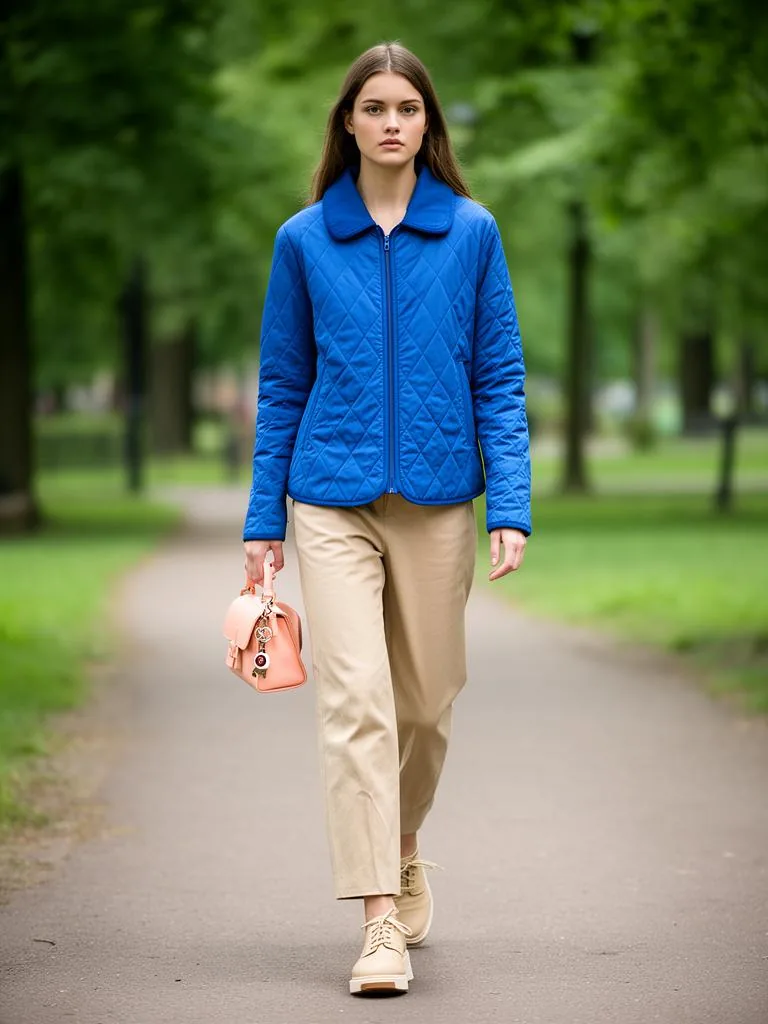 AI image — garments are real catalog products
Point a product at its source.
Point any product group — or a single product — at the source it should be styled from: your own looks, our social-trend feed, a source you send us, or a blend in the order you choose. The engine reads that setting on every build. Today we set it with your team: a real control, not a self-serve switch.
Any worn or combo image here is AI-rendered from real catalog garments and marked as such — never a brand’s or an influencer’s real photo or name.
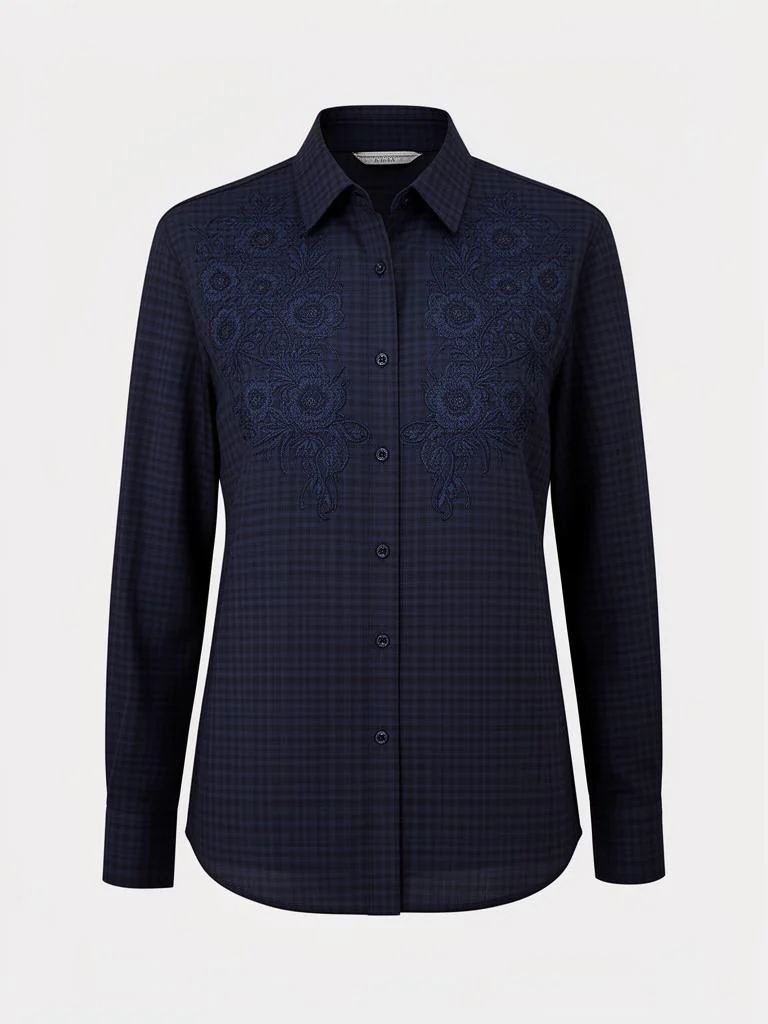 above minimum · kept
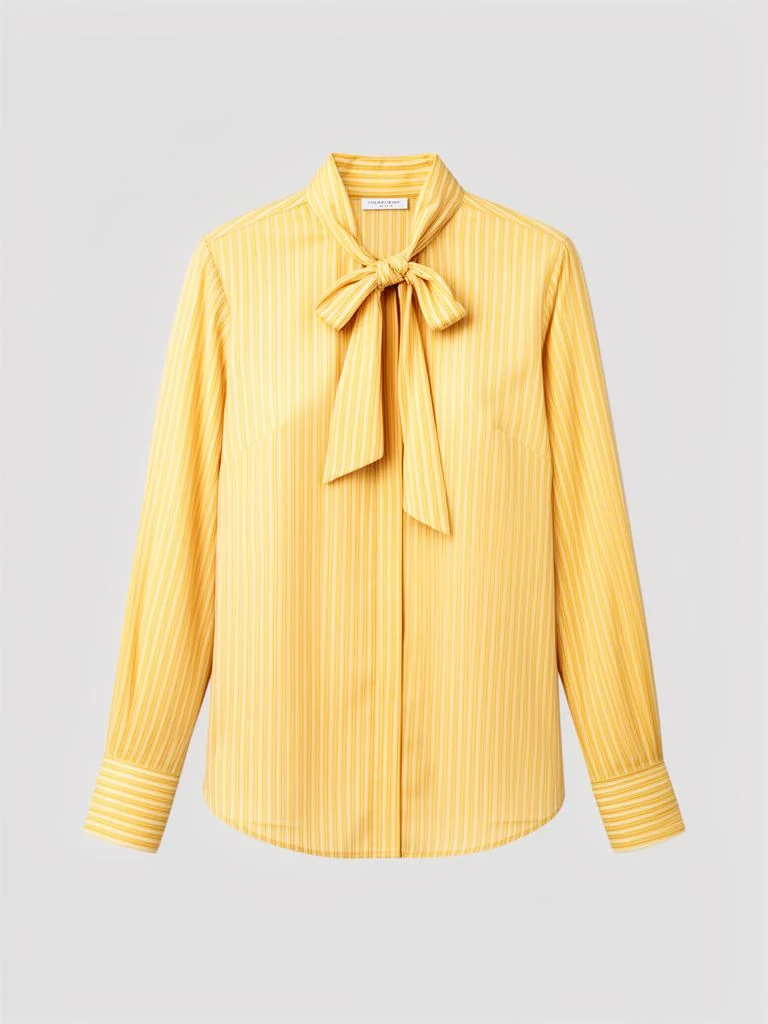 above minimum · kept
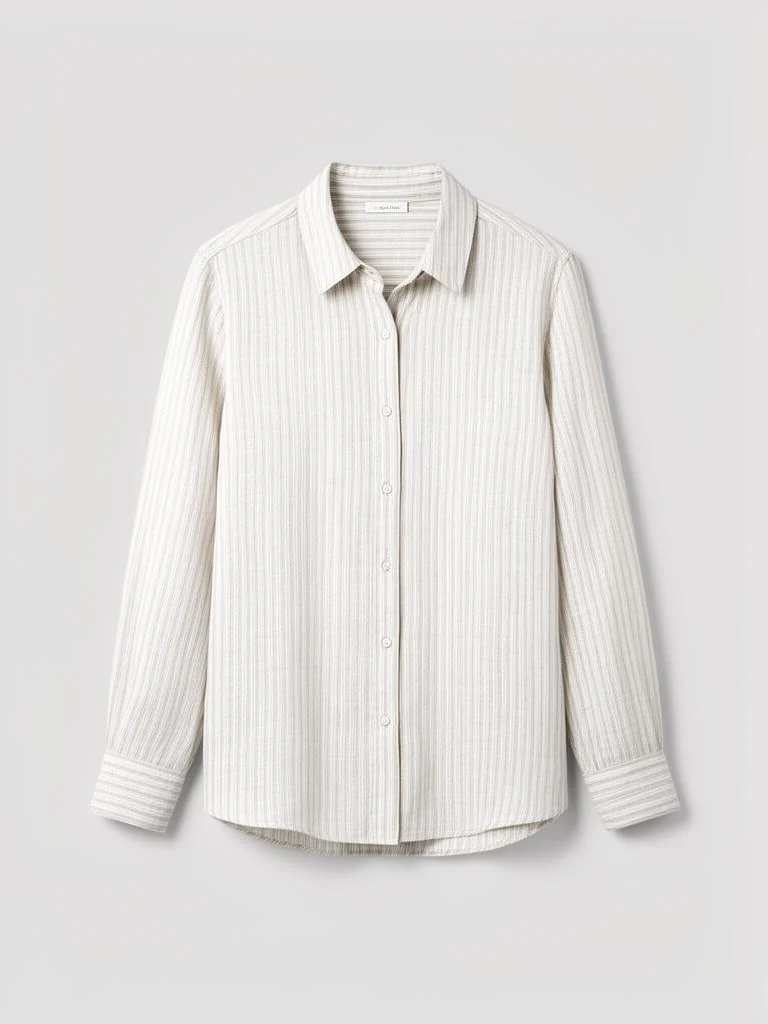 below minimum · dropped as an anchor
A build-time, store-level check on the outfit anchor — refreshed on the rebuild.
Stock threshold
Drop low-stock anchors before they sell out.
Set a minimum stock level per store. When the looks are rebuilt, any anchor below it stops leading — so you don’t headline a look with a piece that’s nearly gone.
- A build-time, store-level filter on the outfit anchor
Honest edges, kept plain: it is a build-time filter refreshed on the rebuild, it works at the store level, and it gates only the outfit anchor — companions and the serve path are not stock-gated. It is not a shelf check at the moment of viewing.
Who can edit
Rules are governed by real, per-person edit permissions.
On the Operator Access screen you decide, person by person, who may touch brand rules, season rules and product groups. These are real permission flags — allow_edit_brand_compatibilities, allow_edit_season_compatibilities, and the rest.
How it fits
Console asks; Rule Engine steers — one brain.
The Console is the room your team asks in; the Rule Engine is the room your team steers from. Both talk to the same recommendation engine — one asks it, one instructs it, and the same brain answers to both.
You set the rule, the same engine applies it — and you can see how the rules actually perform on the Rec. Performance screen. The loop closes.
Point the Rule Engine at your own catalogue — your merchandising team authors the rules, the same engine applies them.
Book a demo